






By Ayomide otitoju
In the past, basic banking tasks like transferring money or paying bills often meant visiting a bank branch, joining long queues, and waiting for service. For many customers, it was a time-consuming and inconvenient process.
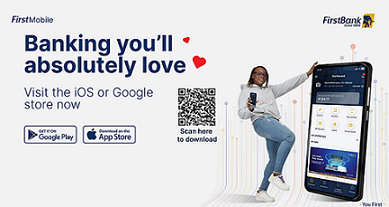
Today, digital banking has transformed that experience, making financial transactions faster, safer, and more accessible. This is the promise behind FirstMobile, the official mobile application of First Bank of Nigeria.
The app allows users to turn their smartphones into a virtual bank branch, enabling seamless access to services such as balance checks, fund transfers, and bill payments from anywhere.
Why Mobile Banking Matters
Mobile banking has become essential to modern financial management, offering:
Convenience: Access your account anytime, anywhere
Security: Protected transactions using PINs, OTPs, and biometric authentication
Efficiency: Instant transfers, bill payments, and account management without branch visits
Real-time updates: Immediate alerts on account activity
Full control: Manage beneficiaries and monitor transactions on the go
How to Download and Register FirstMobile
To get started with FirstMobile:
Download the FirstMobile app from the Google Play Store or Apple App Store
Install the app and tap “Get Started”
Select “Register Profile”
Choose a registration method: Debit Card or BVN
Enter your FirstBank ATM card details or BVN
Input the One-Time Password (OTP) sent via SMS
Create a five-digit mPIN for login
Set up two security questions
Create a four-digit transaction PIN
Follow the prompts to complete registration
Once setup is complete, users can immediately begin accessing full mobile banking services.
Mobile banking is no longer optional but an essential tool for everyday financial management. With FirstMobile, First Bank of Nigeria continues to expand digital access, allowing customers to bank securely